

What is Wirespeed?
Wirespeed is an AI SOC: a fully automated Managed Detection and Response (MDR) platform that acts as your 24/7 security analyst. It connects to the tools you already use, such as your detection platforms, user directories, mobile device managers, and firewalls, then investigates every alert and handles threats for you. You only hear from Wirespeed when it needs you. You don’t need a security team to get value from it. This page walks you through setup, what each part of the platform does, and where to get help.Ask Wirespeed AI
Get plain-language answers about anything you see in the platform.
How Wirespeed works
Three things happen, in order. Most of the work is automatic.1. Connect: plug in your tools
Link your directory, devices, and security products. It takes a few clicks per tool.
2. Triage: Wirespeed investigates every alert
Alerts are checked automatically, so noise is closed out and real threats rise to the top.
3. Respond: you only step in when needed
Wirespeed can contain threats on its own and will message you or your users if it needs a human answer.
Getting started
These are the same six steps as the setup checklist on your Wirespeed dashboard. Each one links to the page with full instructions.1
Connect your environment
Integrations give Wirespeed the visibility it needs to detect threats. Start with your directory, devices, and a detection source like Microsoft, SentinelOne, or CrowdStrike. Each one takes a few clicks. Once connected, Wirespeed automatically triages the last 90 days of alerts so you can compare it to your existing provider. See Integrations.
2
3
Enable source system updates
Let Wirespeed close detections in your integrations by syncing verdicts, statuses, and comments back to them. See Integrations.
4
Enable automated remediations
Wirespeed can revoke user sessions, isolate endpoints, quarantine files, and more. Review your settings and case logs before going live. See Remediation.
5
Enable Chat Ops
Wirespeed messages users in the tools they already use to confirm suspicious activity, so you don’t have to chase false positives. See Chat Ops.
6
See your detections
With everything on, watch the live signals Wirespeed is analyzing and how it handles them. You can also create your own detections to cover activity in your data. See Custom Detections.
A quick tour of the platform
What each area is for, in plain terms.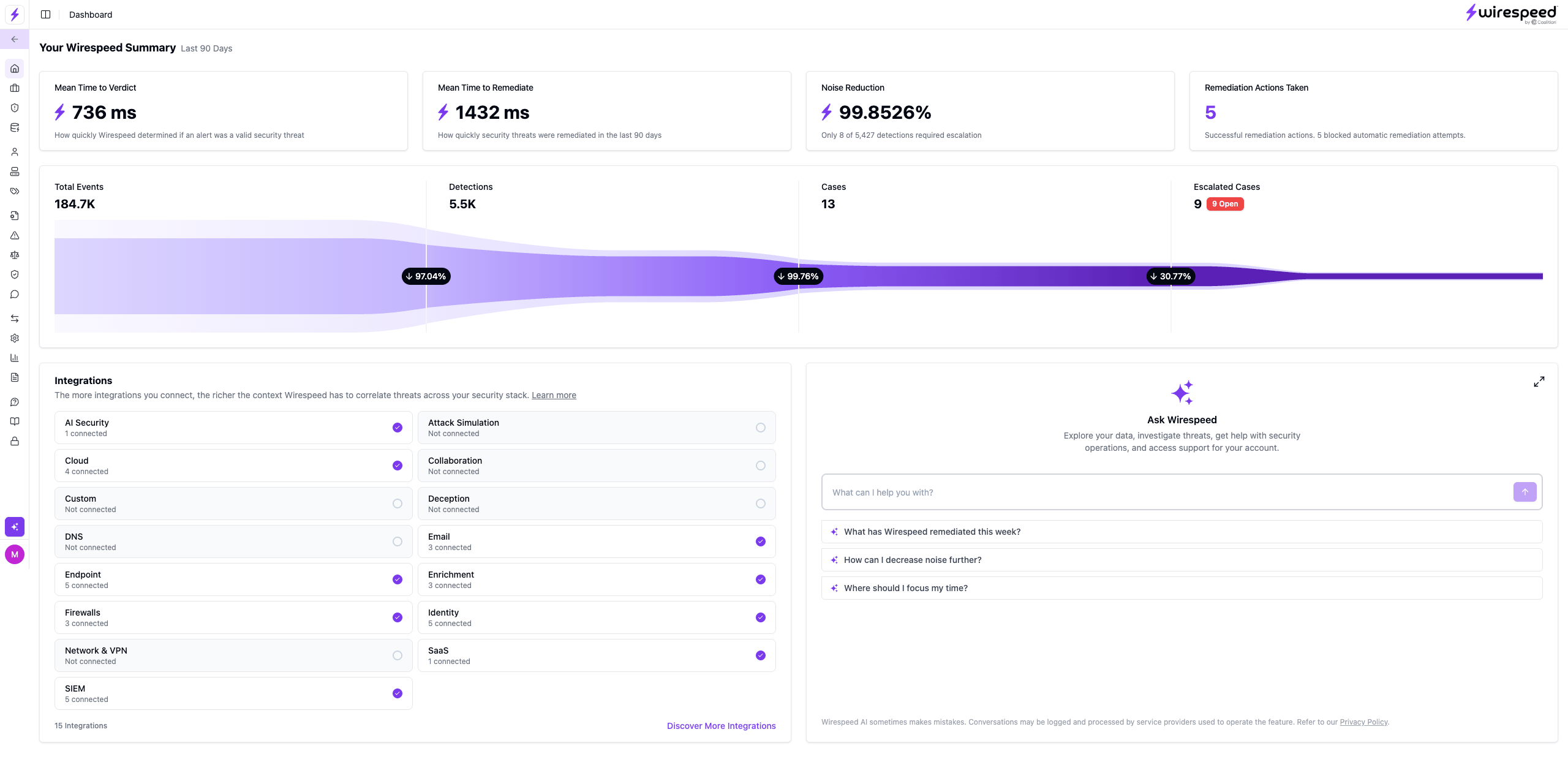
Dashboard
Your at-a-glance view: how many alerts came in, how many Wirespeed closed for you, and what still needs attention.
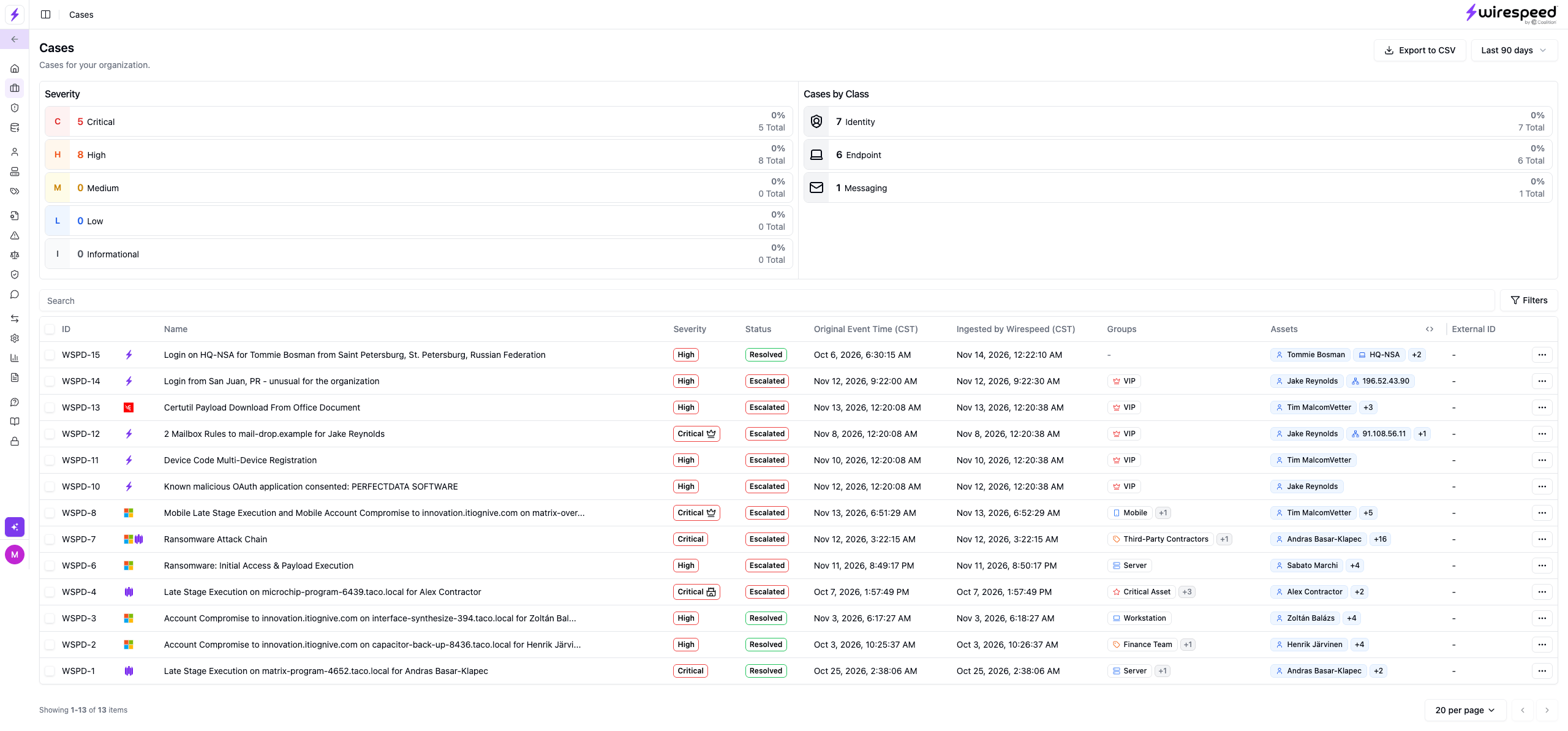
Cases
A case is a real problem worth your time, with what happened, why it matters, and what Wirespeed already did.
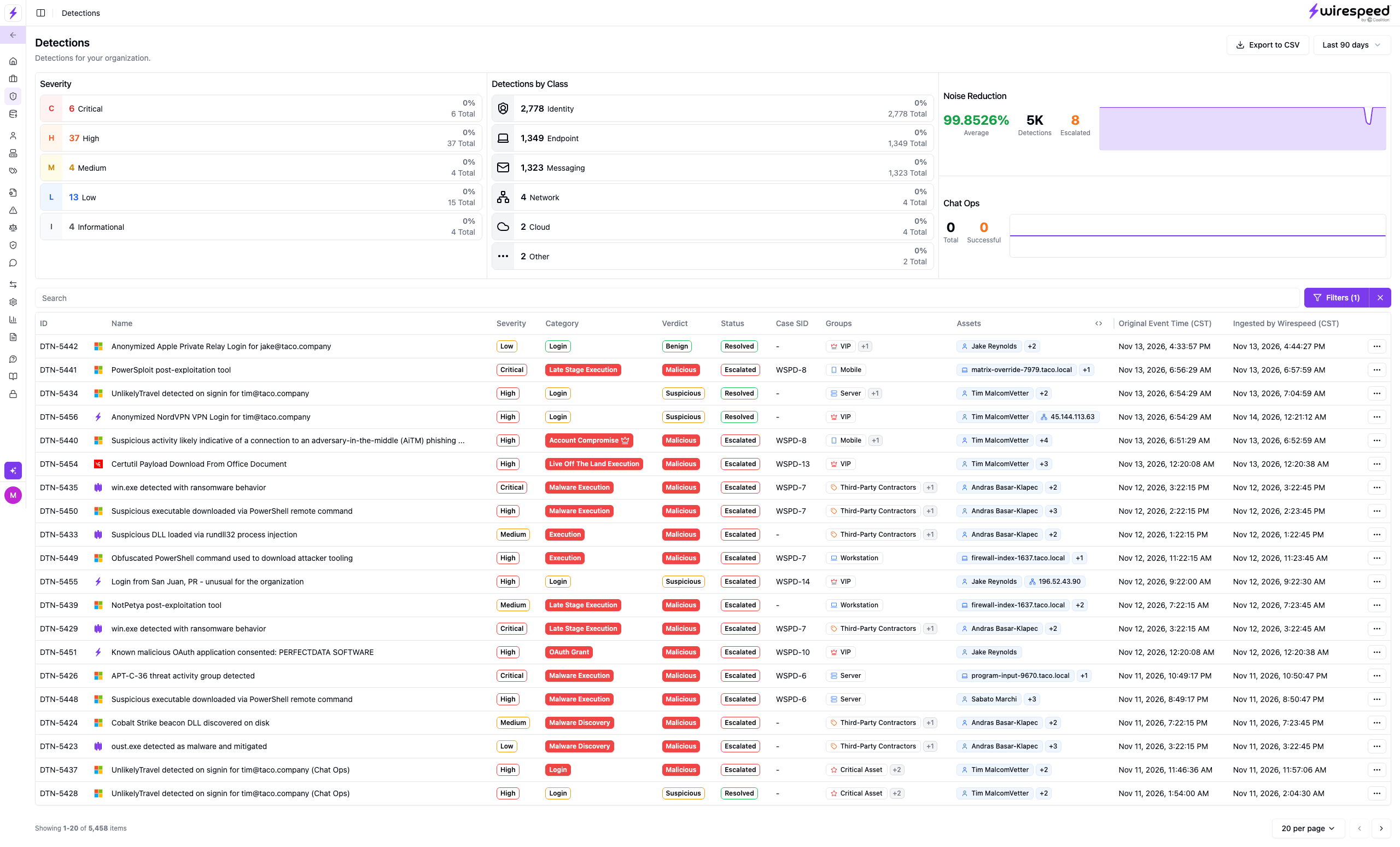
Detections
Every alert from your security tools, with Wirespeed’s verdict and whether it still needs you.
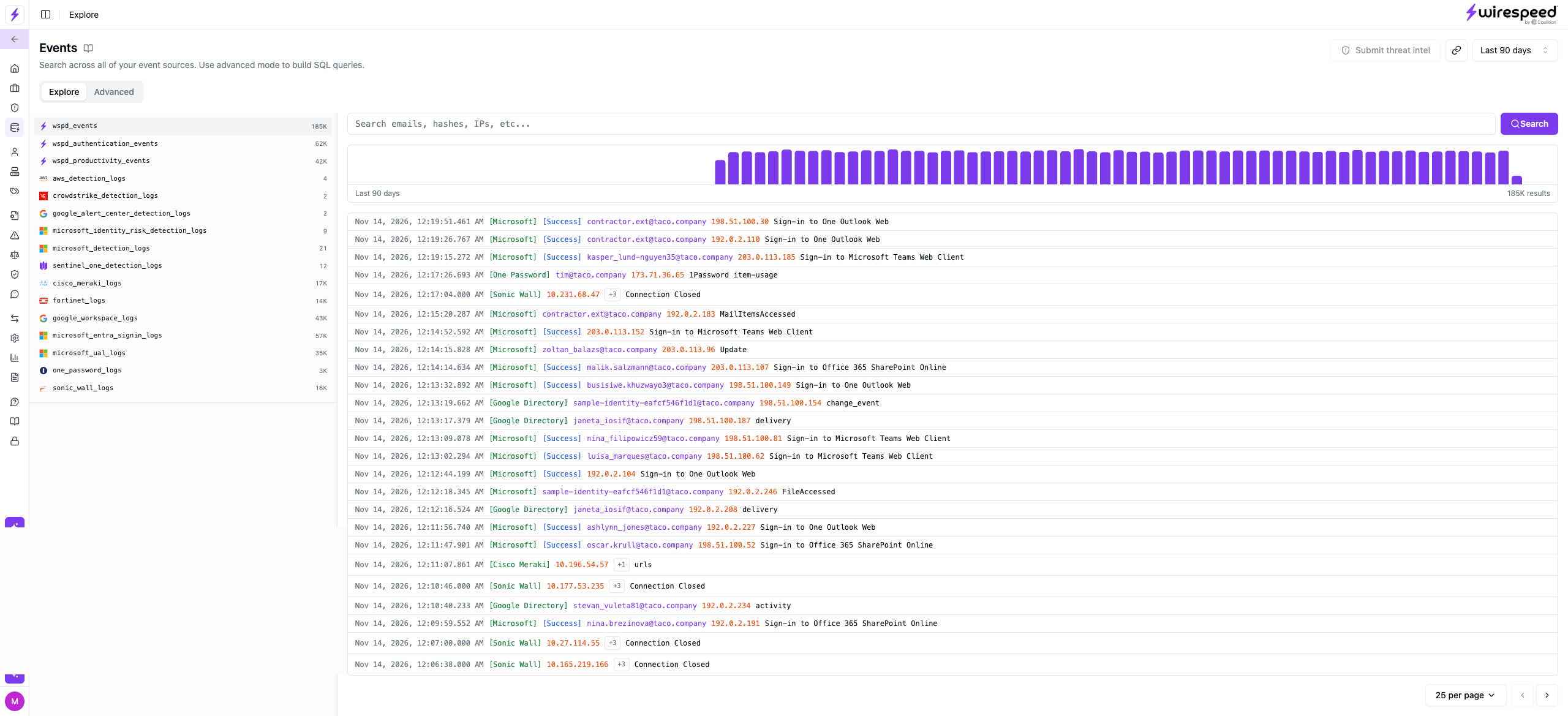
Events
The raw activity behind the alerts. Search it, or build your own detections from it.
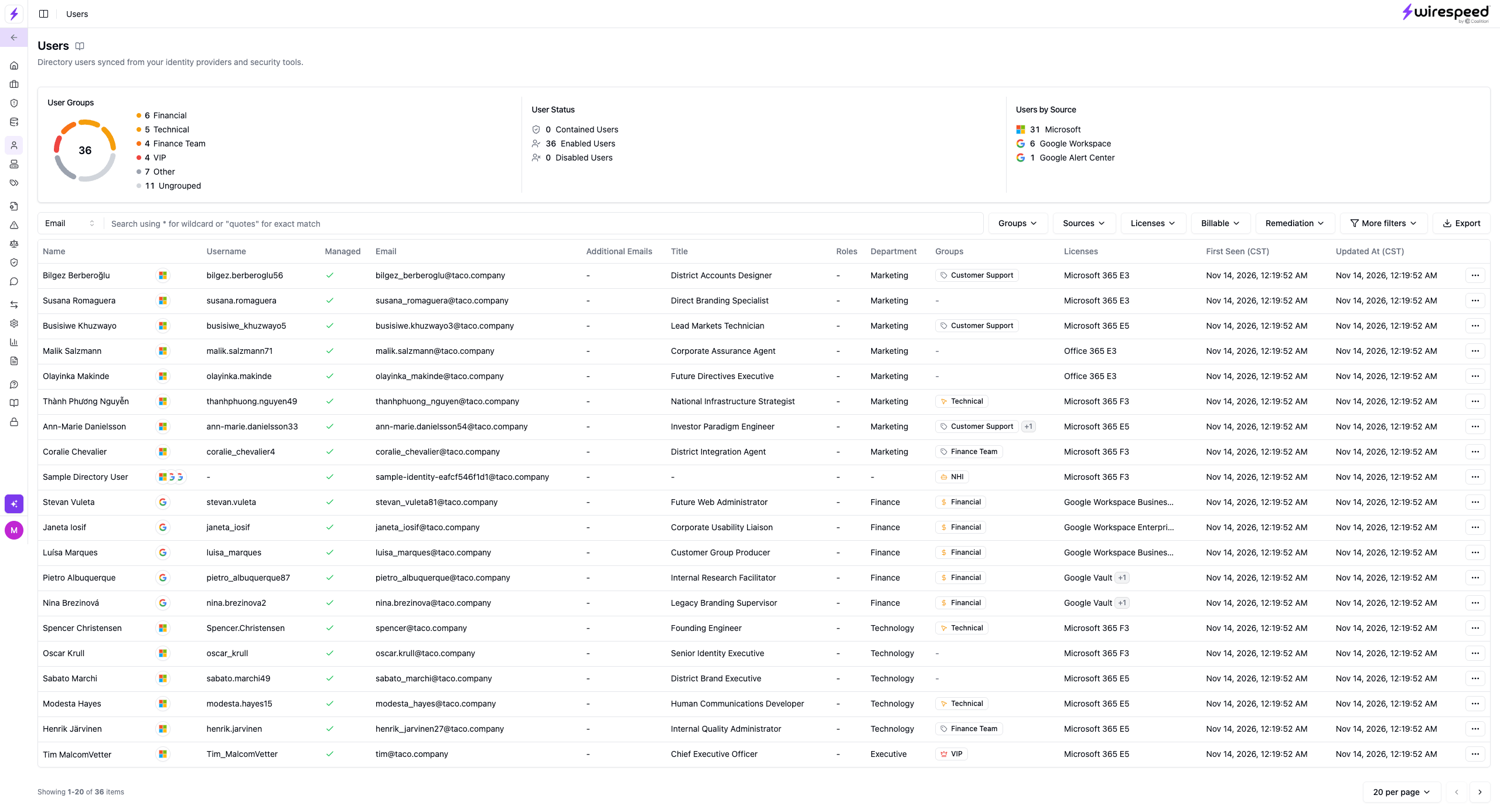
Users
The people Wirespeed knows about, including who is a VIP, so detections involving them are prioritized.
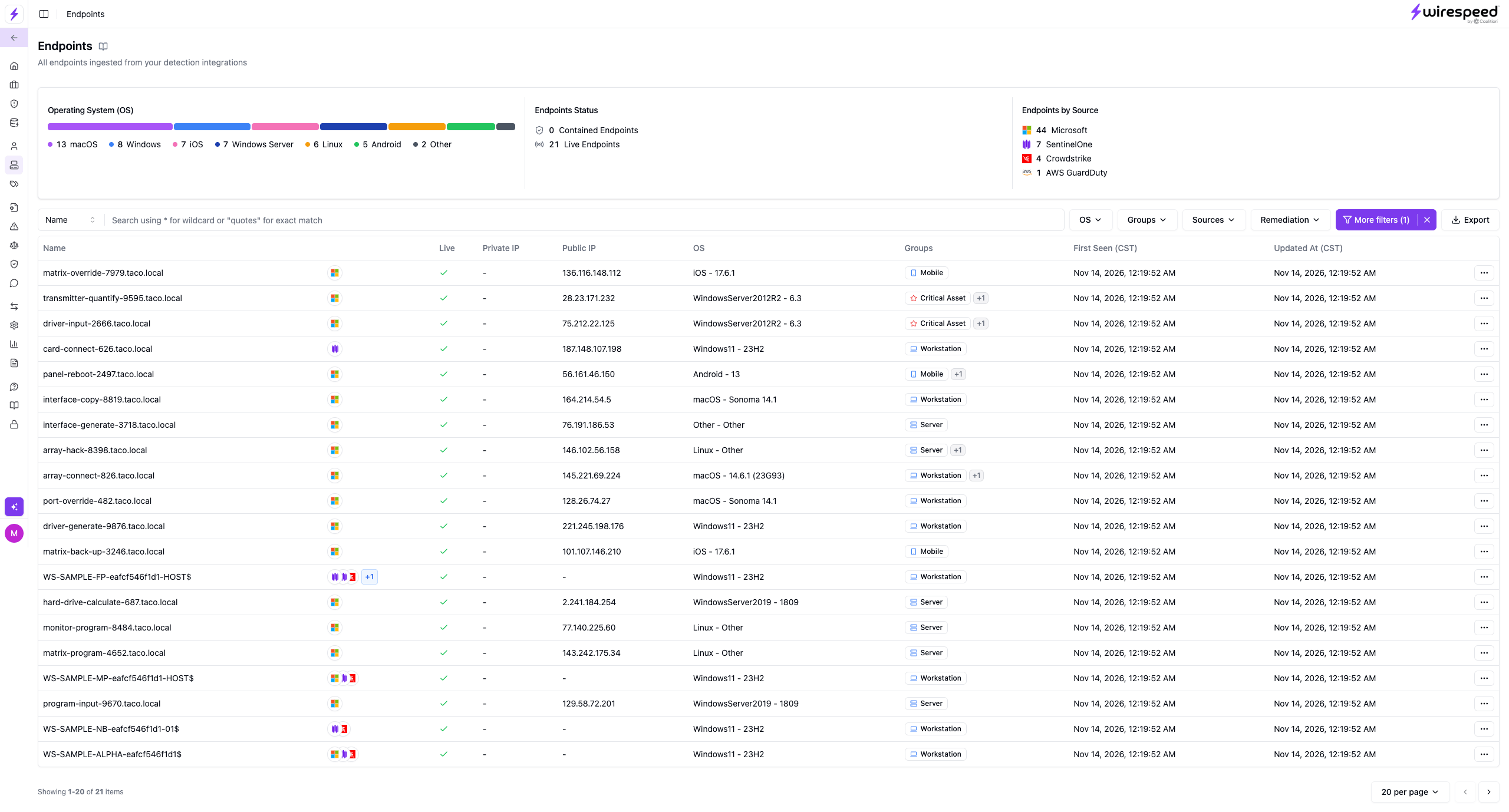
Endpoints
The devices Wirespeed tracks, and whether any are isolated.
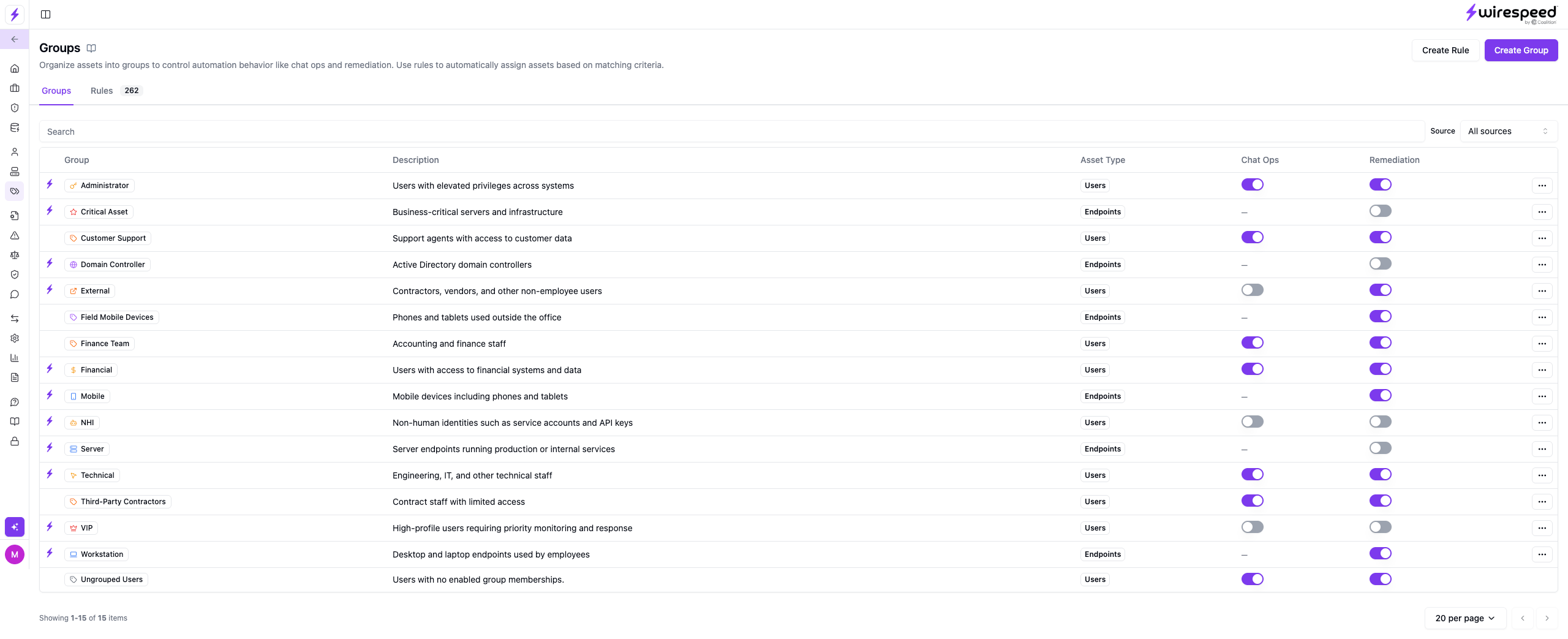
Groups
Sets of users and devices that share the same Chat Ops and remediation behavior.
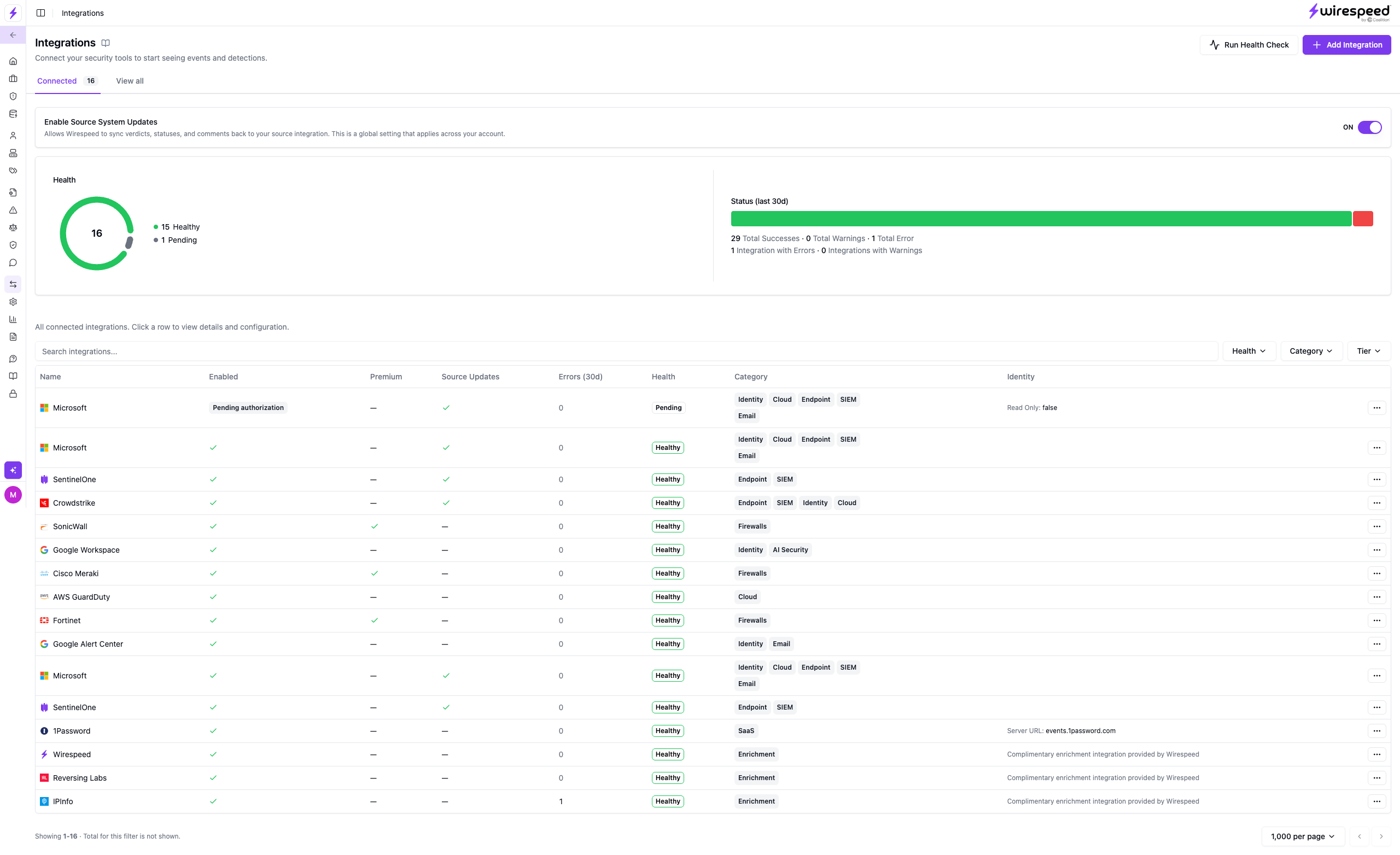
Integrations
Every tool you have connected and whether it is healthy. Add new ones here.
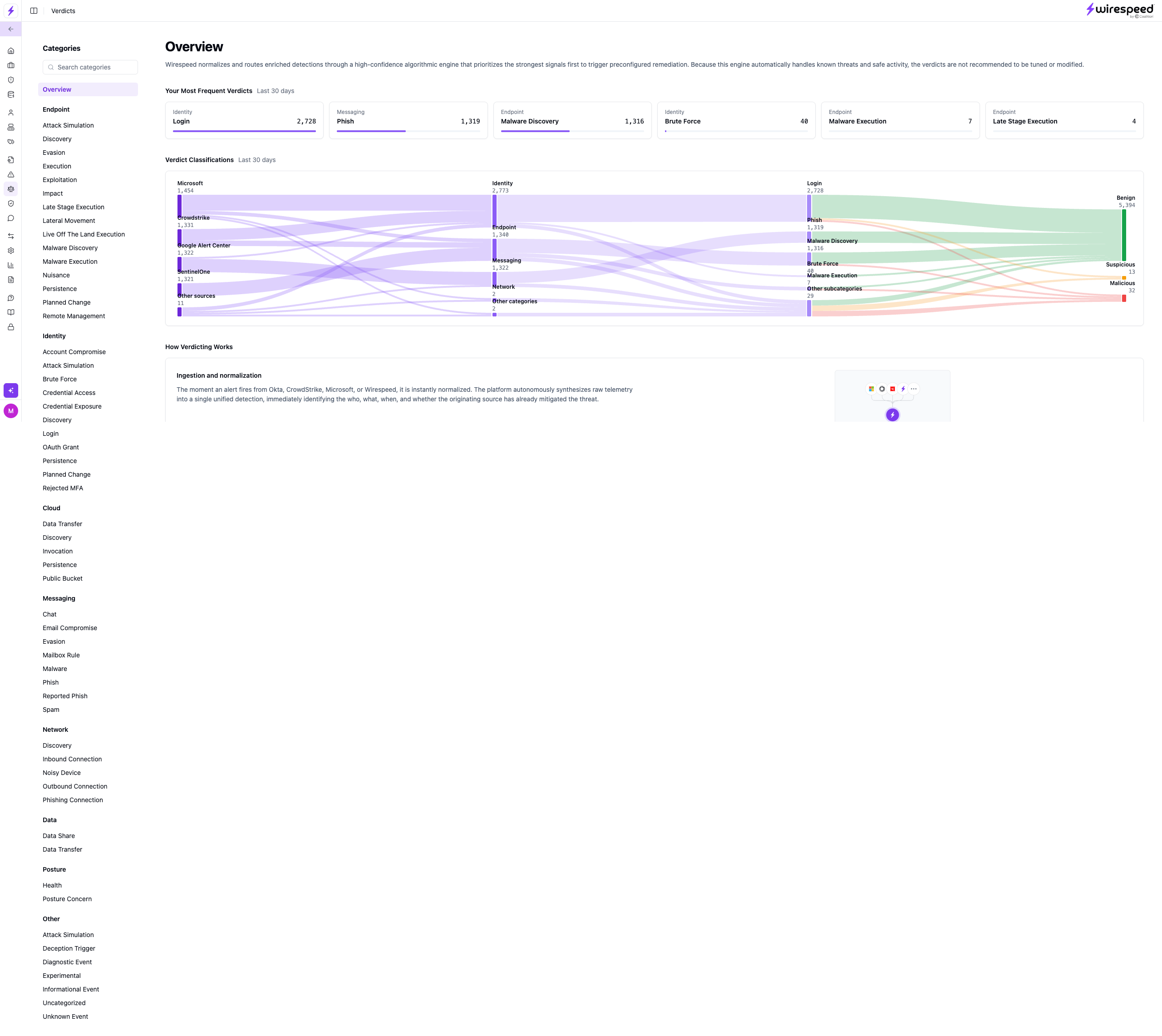
Verdicts
How Wirespeed decides an alert is harmless or a real threat, and what it does next.
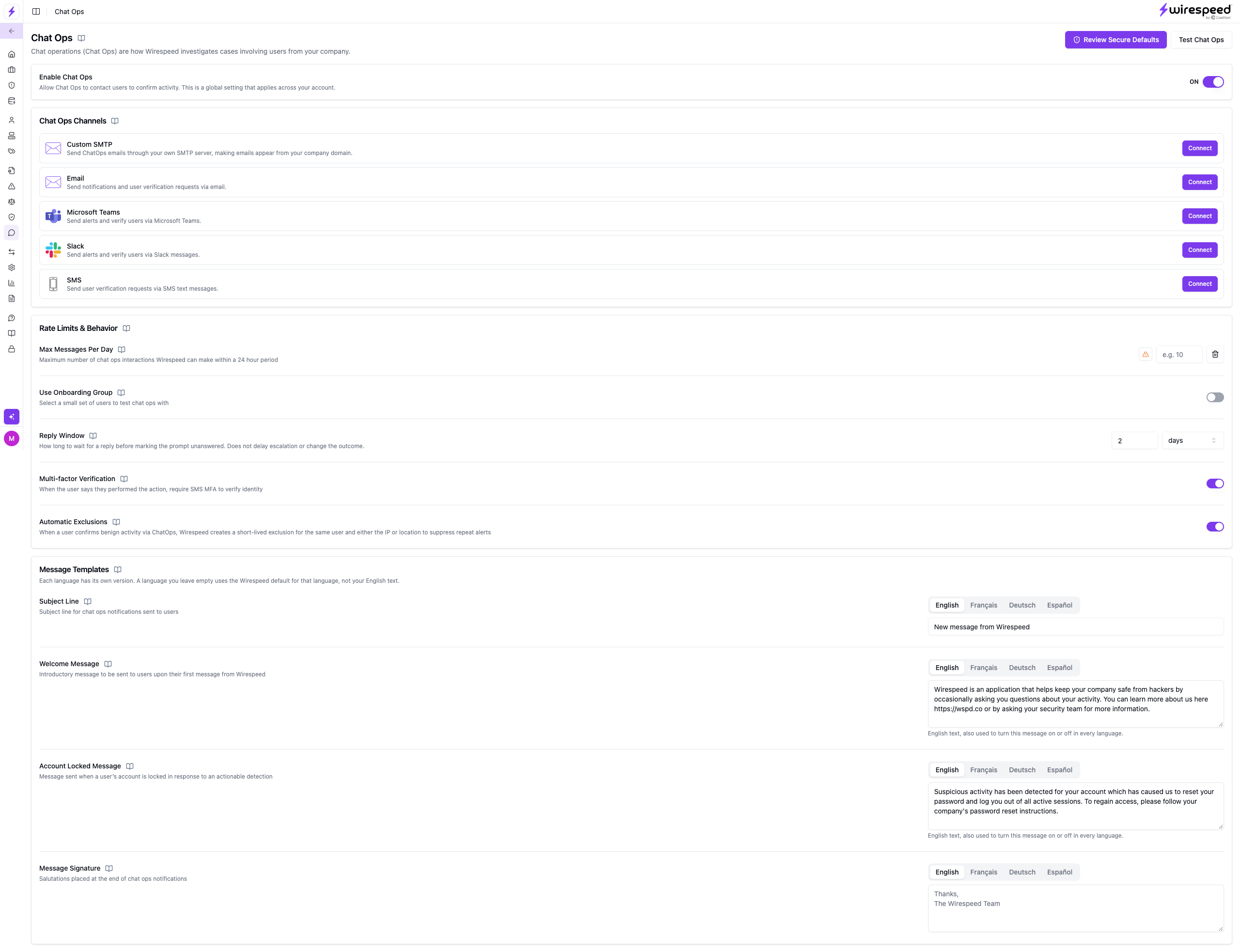
Chat Ops
How Wirespeed messages your users to confirm suspicious activity, in the tools they already use.
Not sure what something means? Ask Wirespeed AI
You don’t need to know security terms. Ask in your own words, and Wirespeed AI explains what it found and what it did about it. Open it any time with the Ask Wirespeed button at the bottom of the left-hand navigation.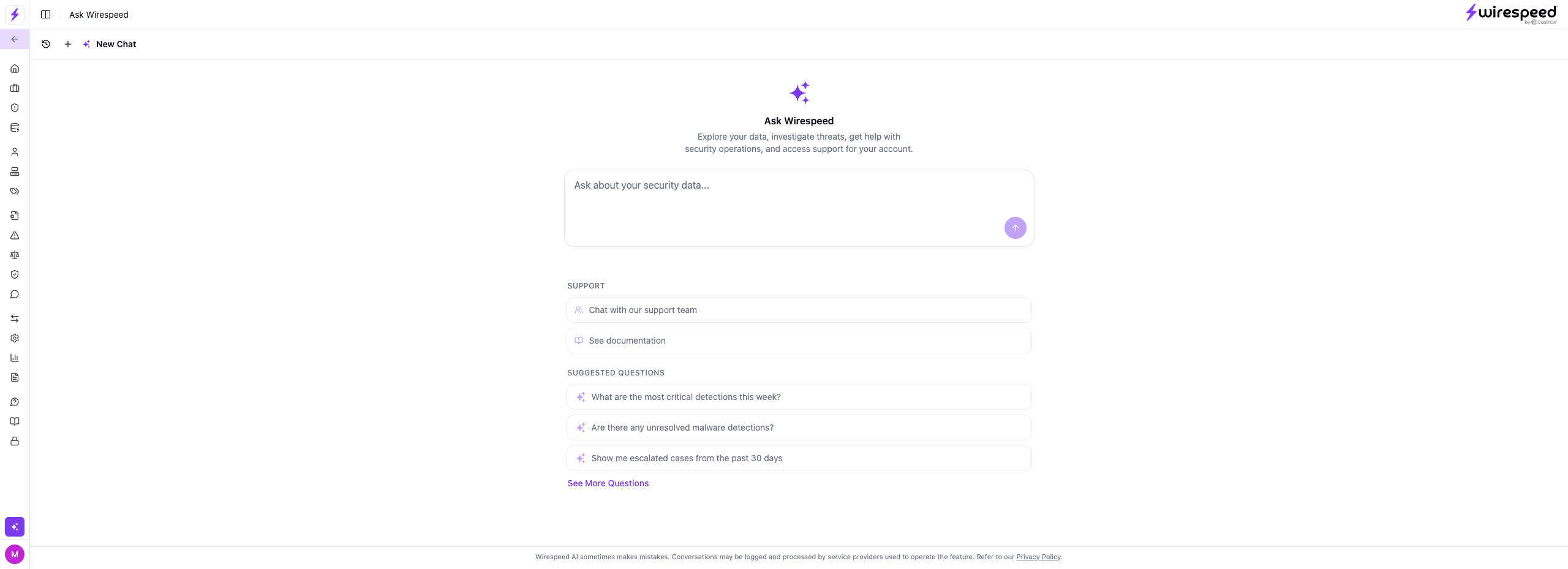
- What does this alert mean?
- Do I need to do anything?
- Why did Wirespeed close this?
- Why was this sign-in flagged?
- How do I connect Microsoft 365?
Key terms
The handful of words you’ll see most often.Detection
A single alert from one of your security tools.
Case
One or more related detections, grouped into a single story.
Verdict
Wirespeed’s decision on a detection: harmless or a real threat.
Asset
A user, device, file, or IP address Wirespeed tracks.
Remediation
Action taken to stop a threat, like isolating a device.
Exclusion
A rule that tells Wirespeed to ignore something you know is safe. See Exclusions.